Fingerprint unlock
Under-display sensors work through Denial’s own Wayland protocols. Verification starts the moment the session locks, and your password always works too.
Denial Mobile is the Denial compositor as a touch-first shell for phones and tablets. Gestures, fingerprint unlock, mobile data, and your Android apps, on Linux.
These are Linux mobile devices! Not Android, and not a PC.
The mobile shell has its own home screen, recents, quick settings, notifications and keyboard, all drawn by Denial itself.
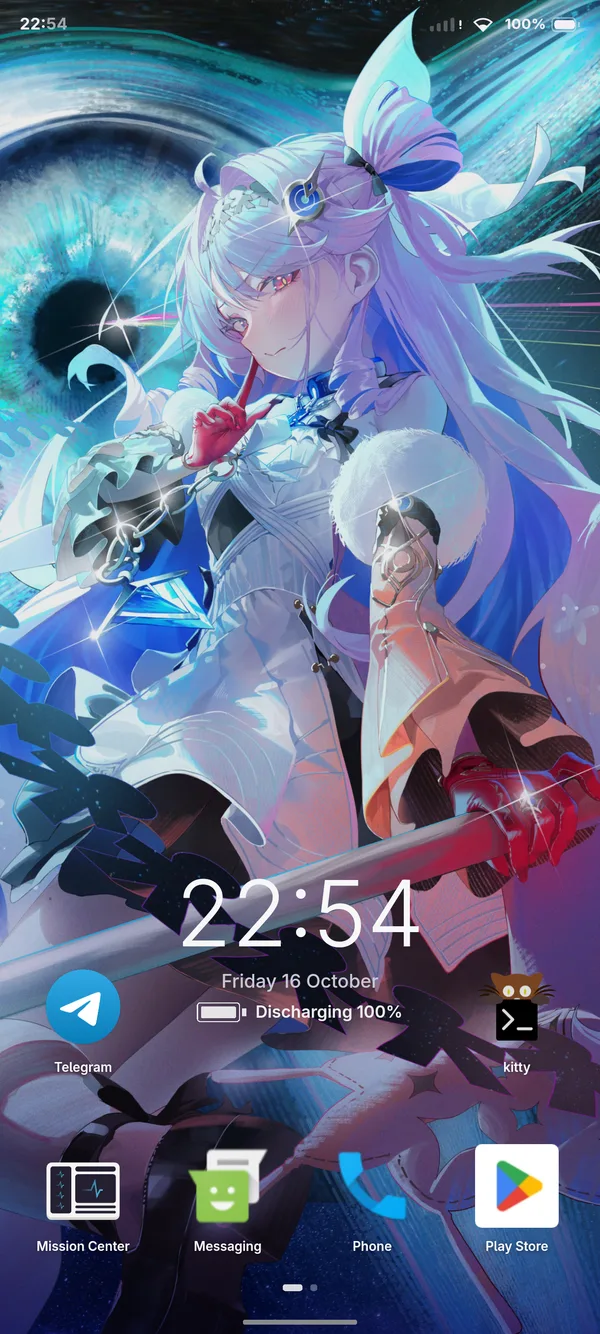
A paged app grid with your wallpaper.
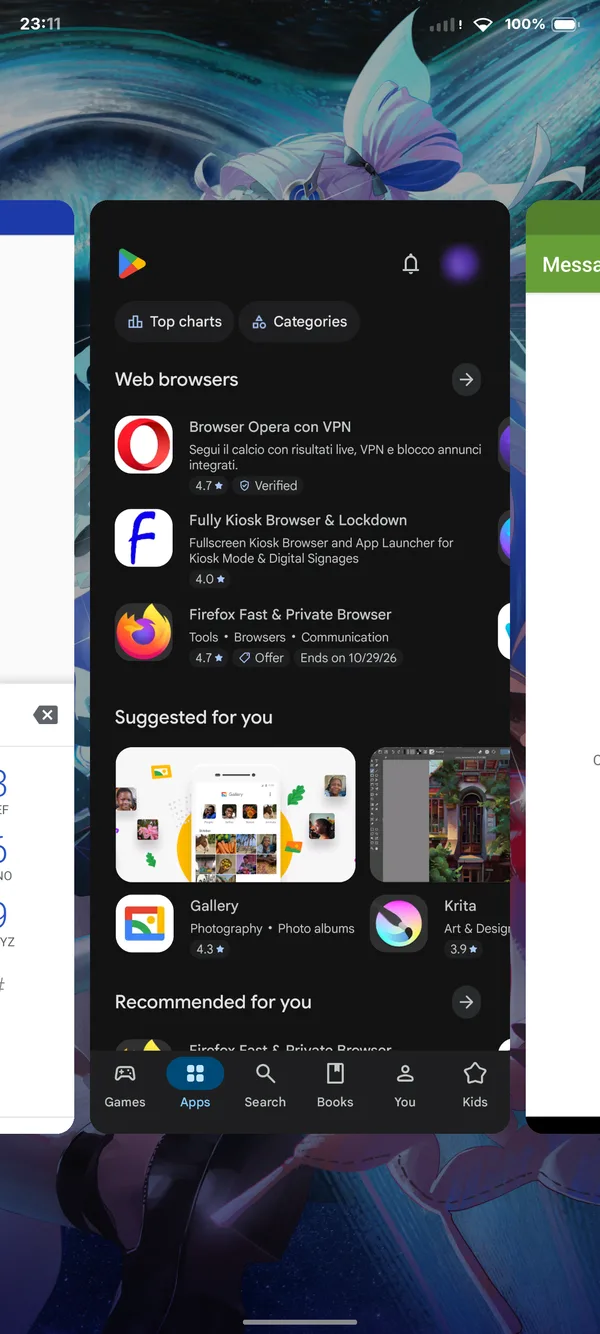
Every open app, one swipe away.
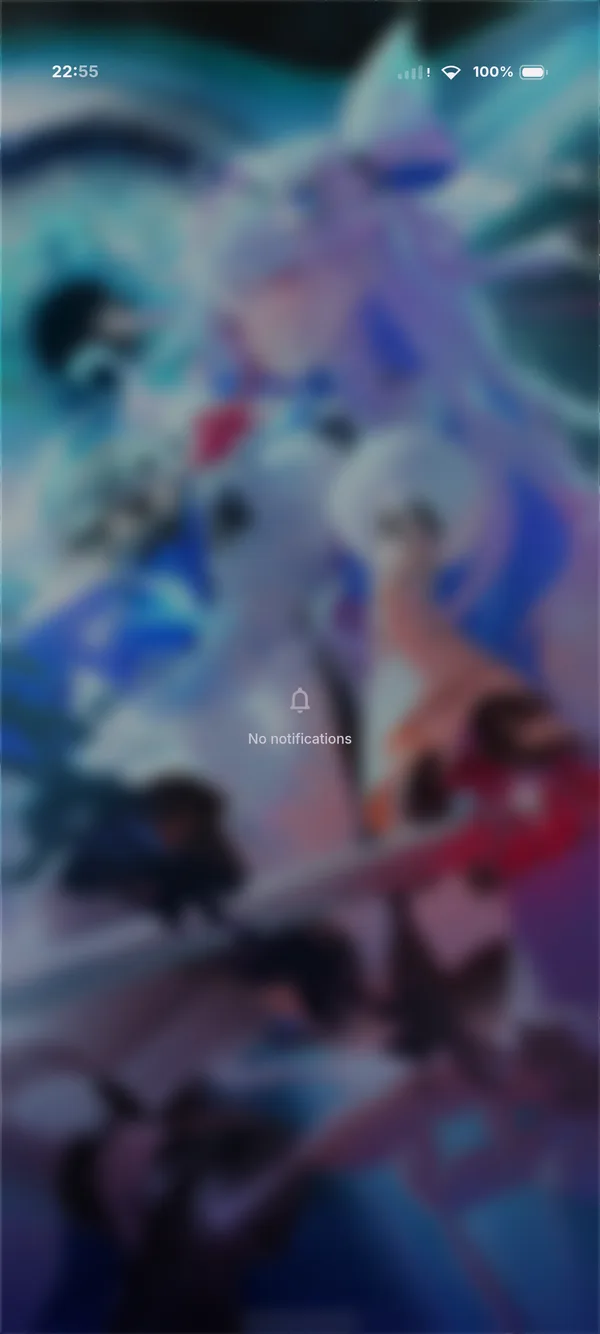
One history for Linux and Android apps alike.
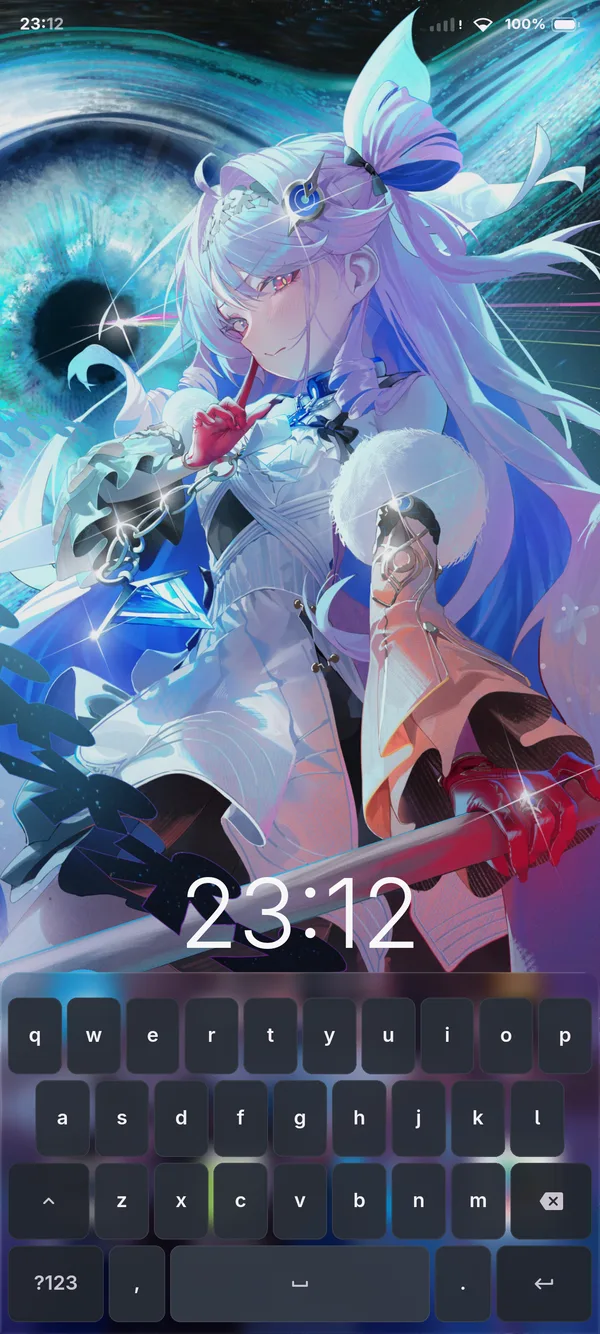
Built into the compositor, for every app, Android ones included.
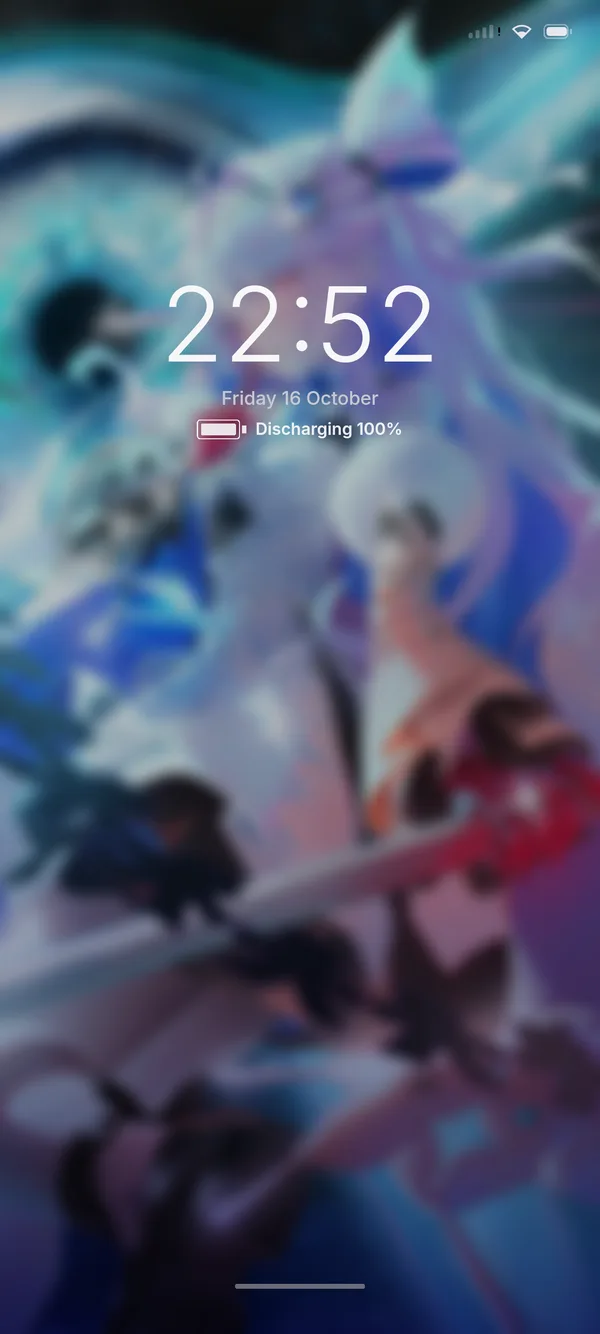
A session lock with fingerprint and password unlock.
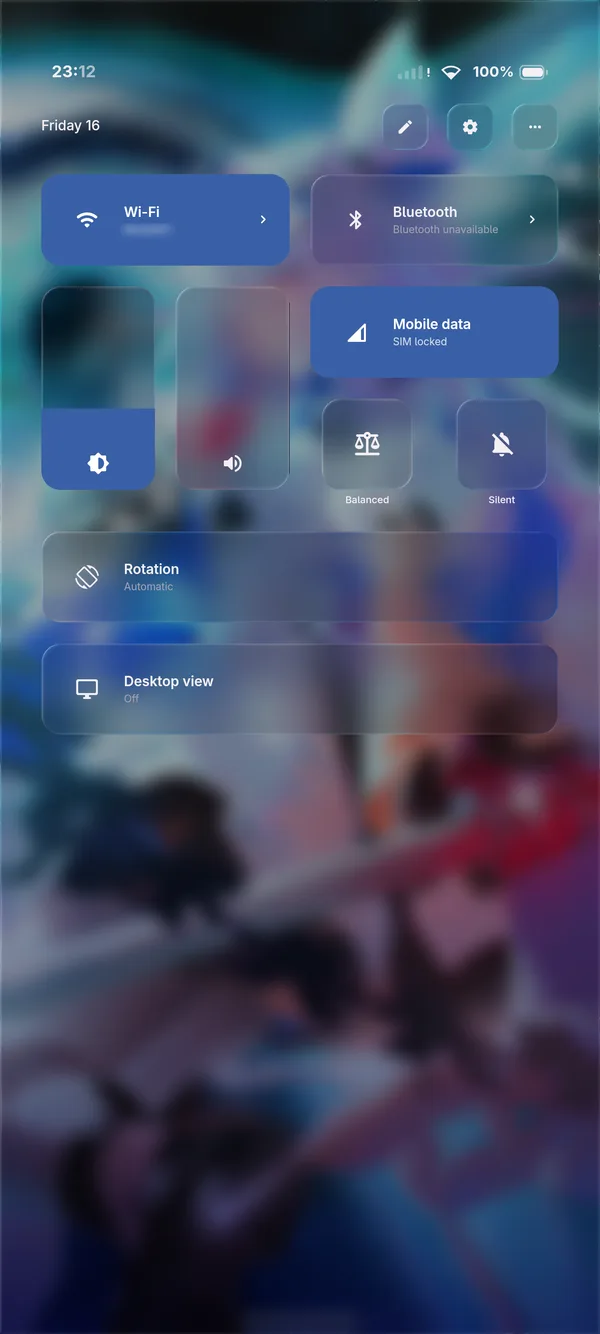
Wi-Fi, Bluetooth, mobile data, brightness, rotation and desktop view.
Under-display sensors work through Denial’s own Wayland protocols. Verification starts the moment the session locks, and your password always works too.
Carrier, signal and data status from dmail or ModemManager. Toggle mobile data from quick settings and unlock your SIM with its PIN.
The shell and your apps follow the device through
steinerd, with a rotation lock in quick settings.
Tap feedback and a buzz on a rejected fingerprint, through
hapticd.
Denial uses the system services already on the device. Each feature shows up when its hardware and service are there.
Plug any Denial phone or tablet into a monitor and it becomes the desktop: stacking, tiling and scrolling layouts, the full shell, and the same apps you were just using with your fingers.
Moving to a Linux phone usually means leaving your apps behind, but with Droidloom they come along. It runs Android apps natively on ARM, each in its own window: Google Play, your messengers, even demanding games.
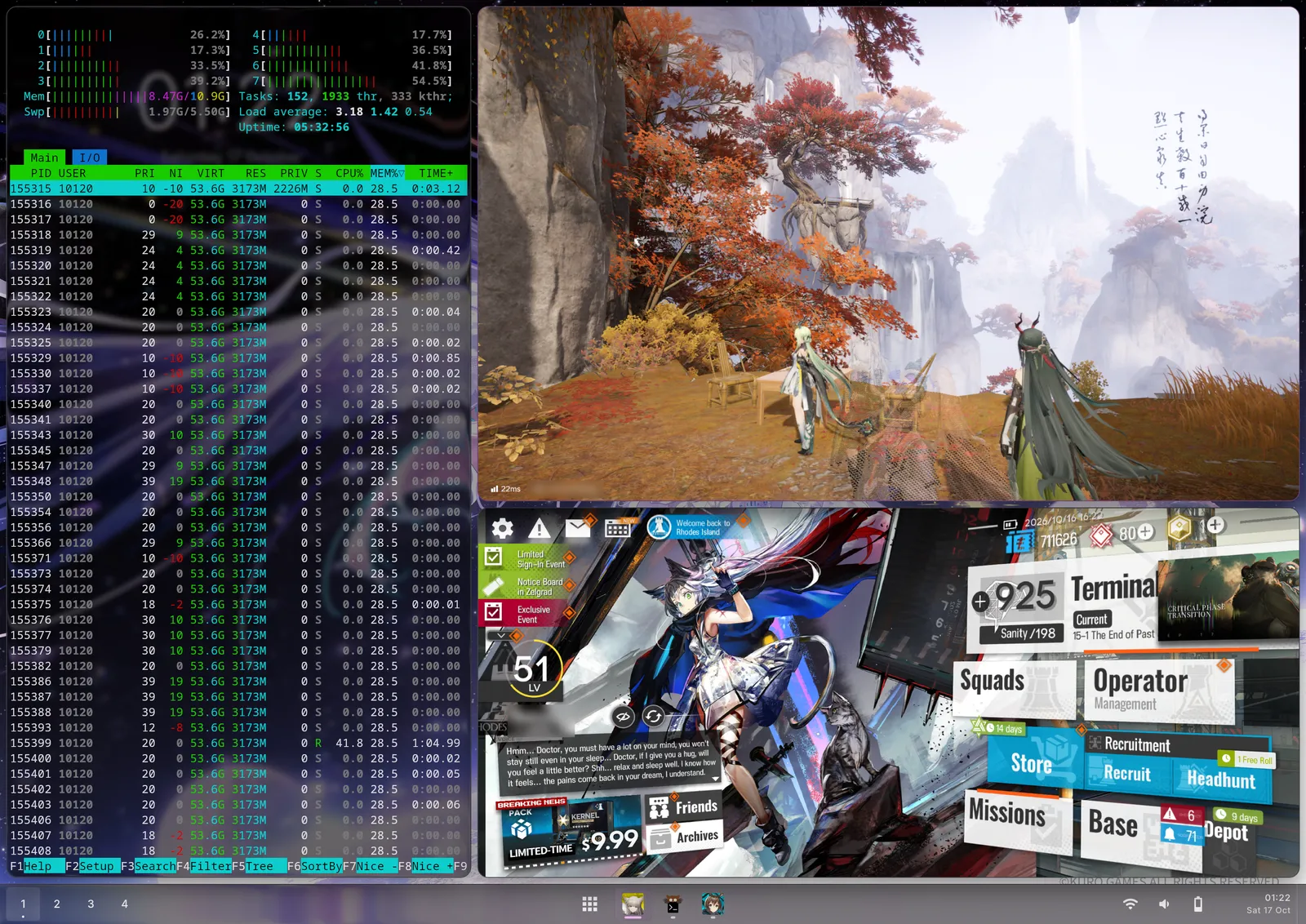
Apps see Denial’s status bar and gesture bar as their own and lay out around them.
Text fields in Android apps open Denial’s on-screen keyboard.
Android notifications land in Denial’s notification history.
Denial doesn’t need a port for each device, only a working Linux. The phones and tablets below share Linux Perpetua: one mainline kernel for all of them, kept in step with every release from Linus Torvalds.
| Device | Touch shell | Wi-Fi | Bluetooth | Speakers | Fast charging | Microphone | Camera | Fingerprint | Mobile data | Modem | Display out | Credit |
|---|---|---|---|---|---|---|---|---|---|---|---|---|
| RedMagic 11 ProPhoneInstall | Yes | Yes | Yes | Yes | Yes | Yes | Yes | Yes | Yes | Yes | Yes | Doctor Logix |
| OnePlus 12RPhoneInstall | Yes | Yes | Yes | Yes | SuperVOOC | Yes | Yes | Yes | Yes | Yes | — | Doctor Logix |
| Motorola Edge 70Phone | Yes | Yes | Yes | Yes | Yes | Yes | Yes | Yes | Yes | Yes | — | Doctor Logix |
| Xiaomi 17Phone | Yes | Yes | Yes | Yes | Not yet | Not yet | Not yet | Not yet | Yes | Untested | Not yet | Doctor Logix |
| OnePlus Pad 4Tablet | Yes | Yes | Yes | Yes | Yes | Yes | Yes | — | — | — | Yes | Doctor Logix |
| OnePlus Pad 3TabletInstall | Yes | Yes | Yes | Yes | Yes | Yes | Yes | — | — | — | Yes | amenyxia |
| Lenovo Idea Tab ProTablet | Yes | Partial | Not yet | Not yet | Partial | Not yet | Not yet | Not yet | — | — | — | Doctor Logix |
Partial: works, with a gap still open. Not yet: the hardware is there but doesn’t work yet. Untested: not tried on the current kernel. —: the device doesn’t have that hardware.
Most devices here started on my desk. Donations buy the next one to bring to Linux Perpetua.
Support the projectDenial runs on any phone or tablet with a working Linux. The work is getting Linux to drive the hardware, and that’s what Linux Perpetua does for the devices above.
A ready-to-flash image with Denial and Droidloom, free for everyone, starting with the RedMagic 11 Pro. The installer only writes non-critical partitions, so the device always stays recoverable.
No device? Install Denial on your desktop today.
Ask for your device in Linux Perpetua’s Device requests, or upvote it if it’s already there. It needs published kernel source and an unlockable bootloader. A request shows what people want, not a promise.
A port needs the device in hand: Linux Perpetua is brought up and retested on hardware I keep, and device sponsors are credited on the device list. Thinking of sponsoring one? Email me first.
Denial is free and open source, and nothing is locked behind a sponsorship. Sponsoring pays for development, test devices and download hosting.